Table of Contents
- What is Windows 11 Insider Preview Build 26220?
- Ask Copilot in the Taskbar — How to Opt In
- Copilot Vision & Voice: What They Do
- Shared Audio: How It Works and Use Cases
- Full-Screen Experience for Handheld Gaming PCs
- Privacy, Permissions and Developer Notes
- Rollout, Channels and How to Get the Build
- Final Thoughts: Should You Try Build 26220?
What is Windows 11 Insider Preview Build 26220?
Windows 11 Insider Preview Build 26220 is the latest test update Microsoft has released to the Dev and Beta channels. This build introduces two headline features — Ask Copilot in the taskbar and a Shared Audio preview — while bringing expanded support for the full-screen experience on compatible handheld gaming PCs. If you follow Windows development closely, Build 26220 is a meaningful step: it tightens Copilot integration into day-to-day workflows and experiments with Bluetooth LE Audio for synchronized playback across devices.
In plain terms, Windows 11 Insider Preview Build 26220 is Microsoft’s lab for blending AI-first features with practical system changes. The build bundles under-the-hood fixes and performance tweaks too, but its headline items make it worth a closer look for Creators, power users, and gamers on the Insider track.

Ask Copilot in the Taskbar — How to Opt In
One of the most visible changes in Windows 11 Insider Preview Build 26220 is Ask Copilot appearing as an opt-in taskbar experience. When enabled, a single-click entry point launches Copilot Vision and Copilot Voice tools, letting users interact through text, images, or spoken prompts.
To enable Ask Copilot in Build 26220, navigate to Settings > Personalisation > Taskbar > Ask Copilot. Microsoft has kept this feature opt-in to allow Insiders to test it selectively without making it ubiquitous for everyone.
Ask Copilot in Build 26220 is designed to be fast and context-aware. The feature queries Windows APIs to return relevant apps, files, and settings — but notably, Microsoft states that Ask Copilot does not access your personal content directly. That distinction is central to how Build 26220 handles privacy versus utility.

Copilot Vision & Voice: What They Do
Within Windows 11 Insider Preview Build 26220, Copilot Vision enables users to get insights from images — for example, extracting text, identifying objects, or guiding a workflow based on a screenshot. Copilot Voice allows for spoken interactions, turning the taskbar into a quick-access conversational assistant.
For Insiders testing Build 26220, Copilot Vision and Voice work together: you can point at a photo, ask a question out loud, and receive step-by-step guidance or search results. This multimodal interaction is central to Microsoft’s Copilot roadmap and a core reason Ask Copilot in Build 26220 feels like more than a simple shortcut.
Shared Audio: How It Works and Use Cases
Another headline feature in Windows 11 Insider Preview Build 26220 is Shared Audio, built on Bluetooth Low Energy (LE) Audio broadcast technology. Shared Audio lets two nearby Copilot+ PCs play the same audio stream simultaneously — a neat preview of social listening in the Windows ecosystem.

Shared Audio in Build 26220 is designed for low-latency, synchronized playback. Practical uses include watching a video with a friend on two laptops, sharing music across devices in a small meeting, or enabling dual-device listening for collaborative media review. The feature is still a preview and limited to compatible hardware — but it points toward richer local collaboration scenarios in future Windows releases.
Full-Screen Experience for Handheld Gaming PCs
Microsoft is also expanding the Full-Screen Experience (FSE) introduced with select devices to additional Windows 11-powered handheld gaming PCs in Build 26220. The update aims to improve task switching, boost performance efficiency, and reduce background interruptions for a smoother handheld gaming session.
At present, Build 26220 rolls the FSE preview out to select MSI Claw models, with plans to extend compatibility to other OEMs in coming months. For Insiders who game on portable devices, this build offers a tighter integration of system and performance optimizations specifically tuned for handheld displays and controls.
यह भी पढ़े:
 Samsung Bixby Perplexity AI Integration: 7 Key Signs Samsung Is Reinventing Its Voice Assistant
Privacy, Permissions and Developer Notes
Privacy is a recurring theme in communications about Windows 11 Insider Preview Build 26220. Microsoft insists Ask Copilot uses existing Windows APIs and does not access personal content without explicit permission. That nuance matters: Copilot can suggest apps and files using metadata and system hooks, but it won’t ingest private user data unless you grant specific access.
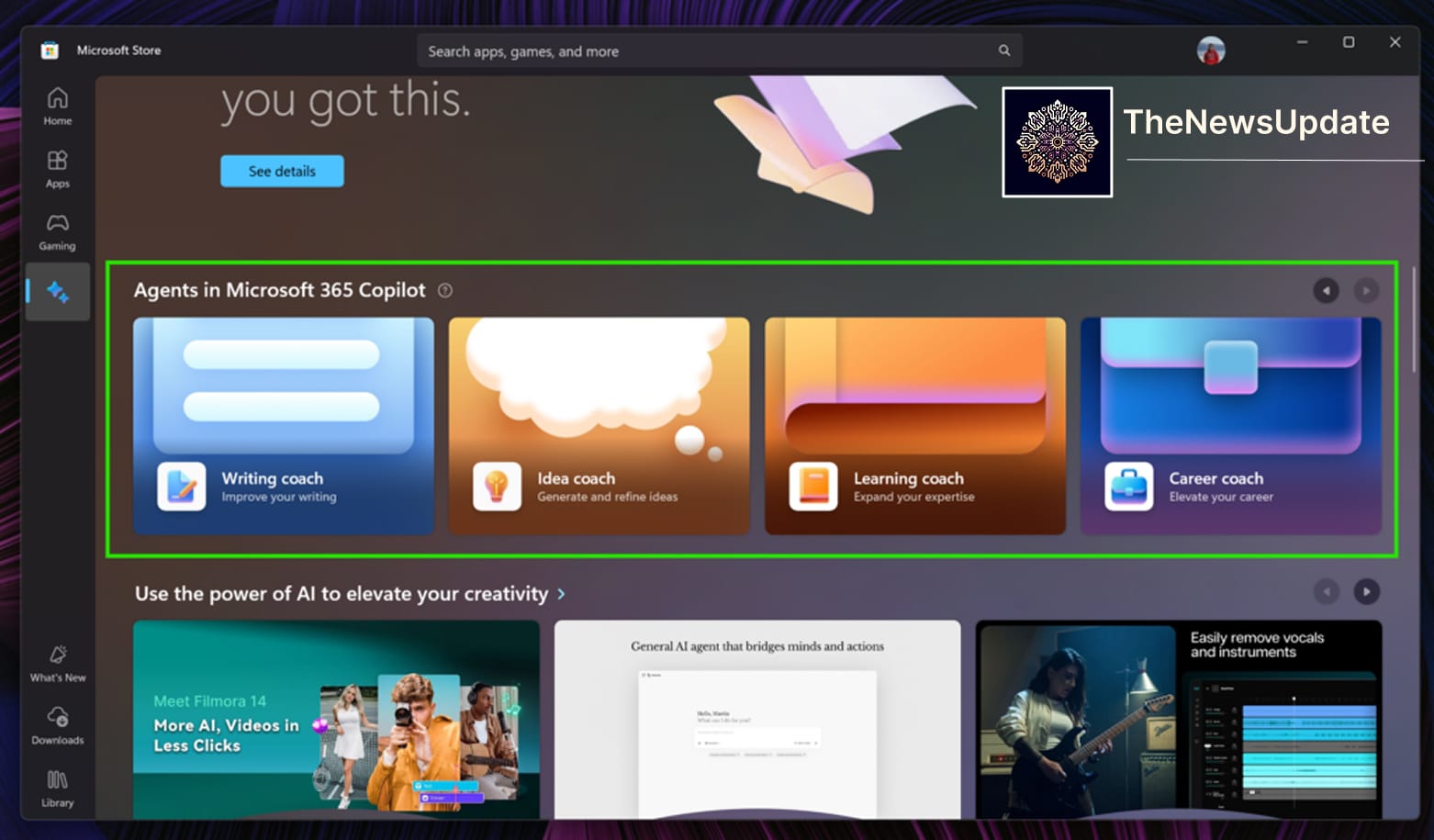
For developers and IT admins testing Build 26220, Microsoft provides guidance on telemetry, enterprise management, and group policy controls. If you manage a fleet, test Build 26220 in a controlled environment before wider deployment; AI features like Ask Copilot may require policy adjustments and clear communication to end users.
Rollout, Channels and How to Get the Build
Windows 11 Insider Preview Build 26220 is available on both the Dev and Beta channels. If you are already enrolled in the Windows Insider Program, check Settings > Windows Update > Windows Insider Program and choose the channel that best fits your risk profile. Dev Channel users get early access and frequent updates; Beta Channel users see more stable feature previews for later-stage testing.

Microsoft’s release notes for Build 26220 list bug fixes and known issues alongside feature details. If you plan to try Ask Copilot or Shared Audio in Build 26220, back up important data and be prepared for iterative changes — the Insider channel is a testing ground, not a production release.
Final Thoughts: Should You Try Build 26220?
If you enjoy exploring emerging features and shaping product feedback, Windows 11 Insider Preview Build 26220 is worth installing. Ask Copilot in the taskbar and Shared Audio are practical previews of where Windows is headed: more ambient AI, richer multimodal interactions, and collaborative local media experiences.
But if stability is critical for your workflows, wait for broader rollout. Build 26220 is an experiment in user experience and system-level integration. It will evolve based on Insider feedback, telemetry, and compatibility testing across hardware families.
यह भी पढ़े:
 New York Times Reporter, Authors Sue Google, OpenAI, Meta Over AI-Based Copyright Infringement
Related Reads
By The News Update — Updated November 1, 2025